How to Install Codecs & Enable Hardware Acceleration in Fedora
Fix choppy video and missing audio on Fedora! Learn to install essential codecs (H.264/HEVC) and enable hardware acceleration (VA-API) for smooth 4K playback.
Fix choppy video and missing audio on Fedora! Learn to install essential codecs (H.264/HEVC) and enable hardware acceleration (VA-API) for smooth 4K playback.
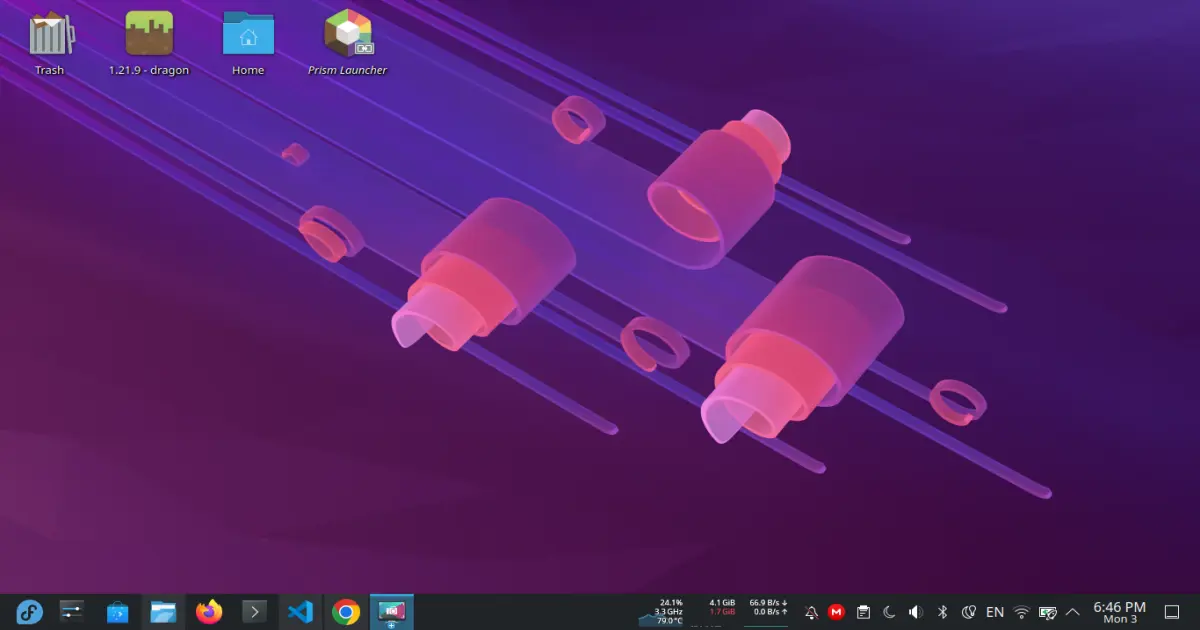
Discover what to do after installing Fedora 43 Atomic Desktops in this 2025 post-install guide! Learn the best tweaks, Flatpak setup, NVIDIA driver tips, RPM Fusion configuration, and productivity apps to make your Fedora 43 system faster and smoother.
Learn the top 21 Podman commands every developer should know in 2026. From basic container management to advanced pod usage — boost your Linux container skills fast with this cheat sheet!

Learn the proper way to use Fedora’s atomic desktop variants—Silverblue, Kinoite, and Bazzite. This guide explains their unique features, package management, container workflows, and tips for a smooth, efficient experience on immutable Fedora desktops.
Learn how to run the ping command on Windows, Mac, and Linux to check network connectivity and troubleshoot connection issues.
Just installed Debian 13 Trixie? Follow this complete post-install guide to set up drivers, codecs, software, Flatpak, NVIDIA/AMD support, and system tweaks for a smooth Linux experience.
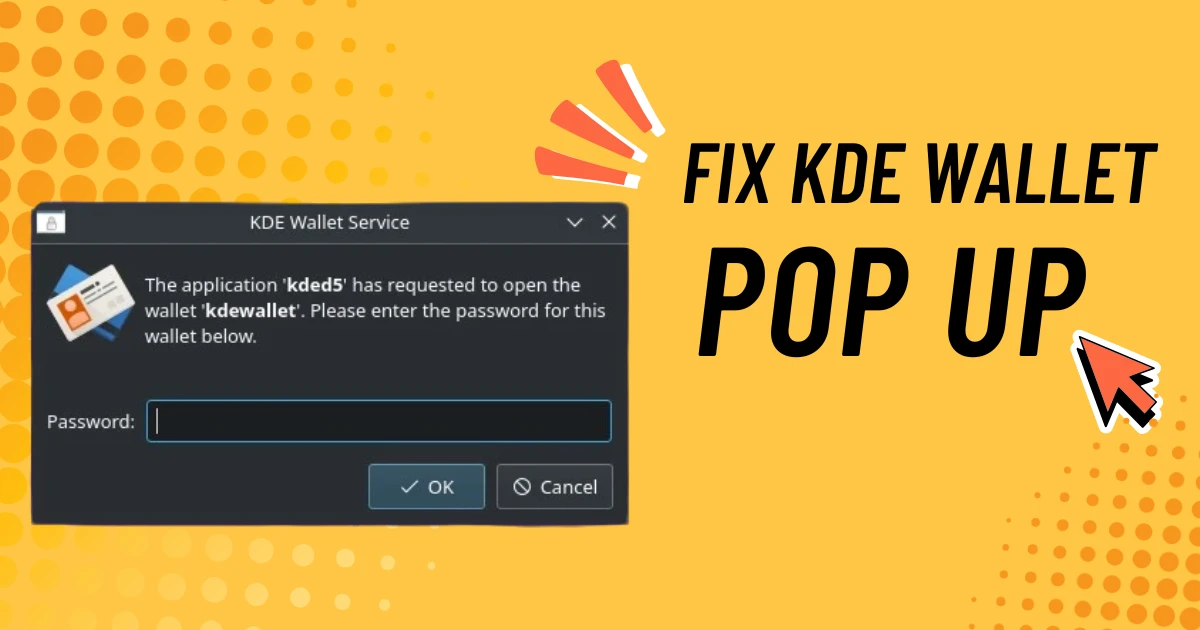
Annoyed by KDE Wallet asking for your password every time you log in to KDE Plasma? Learn the simple steps to fix this issue and make your desktop experience seamless.
Learn how to install proprietary NVIDIA drivers on Fedora, including Workstation, KDE Plasma Desktop, official spins, and Fedora Atomic desktops like Silverblue and Kinoite. This complete guide covers both traditional and immutable setups with easy step-by-step instructions.
Learn how I set up a DevContainer workflow using Flatpak VSCode, Podman, and Wayland. Running a rust gui project. Perfect for rootless, containerized development on modern Linux desktops.
Learn how hashing transforms data into fixed-length, secure outputs and why it’s crucial for authentication, integrity checks, and password storage.